Short answer
- An online class usually looks like a course website, often called a learning management system, where the instructor posts the syllabus, weekly modules, readings, videos, assignments, discussion prompts, announcements, and grades. After logging in, a student sees a dashboard listing current courses, then opens one course to find its home page, course menu, calendar, and grade area. Lessons are commonly organized into weekly modules, each containing readings, recorded or live lectures, practice activities, and work due by set dates. In a live, or synchronous, class, students meet online at scheduled times. In a self-paced, or asynchronous, class, students work through materials on their own schedule within the week, while still meeting common deadlines. Discussions, group work, quizzes, written assignments, and projects provide most of the interaction and assessment, and instructors are usually reached by message, email, or virtual office hours. The work itself is similar to in-person study in content and deadlines, but the classroom is a screen, the timetable is often more flexible, and the student carries more responsibility for planning the week.
Introduction
An online class does not have a single look. It has a screen, a schedule, and a set of tools that change from one school to another, and sometimes from one instructor to another in the same school. That variety is why the question behind how online classes look like is so practical. A prospective student usually wants to know where to log in, what will be waiting there, when work is due, how to ask a question, and how a week of study will actually feel.
This guide answers those questions in the order a new student meets them. It starts with the first screen after login, then moves through formats, the weekly pattern, lessons, assignments, discussions, and assessments. It explains the difference between a live class and a self-paced class, and between a fully online class and a hybrid class, and it compares online study with in-person study. Details vary by institution, subject, and level, and this guide says so where that matters, rather than describing one school’s setup as if it were universal.
The First Screen: The Dashboard and the Course Home Page
The first thing most online students see is not a lesson. It is a dashboard. After signing in with school credentials, the student lands on a page that lists current courses, recent announcements, and upcoming due dates. Clicking a course name opens that course’s home page, which is the front door of the class. It may show a welcome message, a short course description, recent announcements, and a course menu. Common menu items include the syllabus, modules or lessons, announcements, discussions, assignments, grades, and a way to send messages. Some courses use a landing page designed by the instructor, with links laid out in reading order. Others use an activity stream that lists the newest items first. Either way, the home page answers the same basic questions: what is this course about, what should I do first, and where do I find the work?
The syllabus is the most important document on that page, and it deserves a full read in the first week. It usually states the course goals, the required materials, the grading breakdown, the weekly schedule, the late work policy, and how to contact the instructor. It also lists the dates that matter most, such as assignment deadlines, discussion windows, quiz dates, and exam dates. In an online class, where no instructor is standing at the front of a room to remind students of the next deadline, the syllabus and the course calendar do much of that reminding work.
Live, Self-Paced, and Hybrid: Three Formats to Recognize
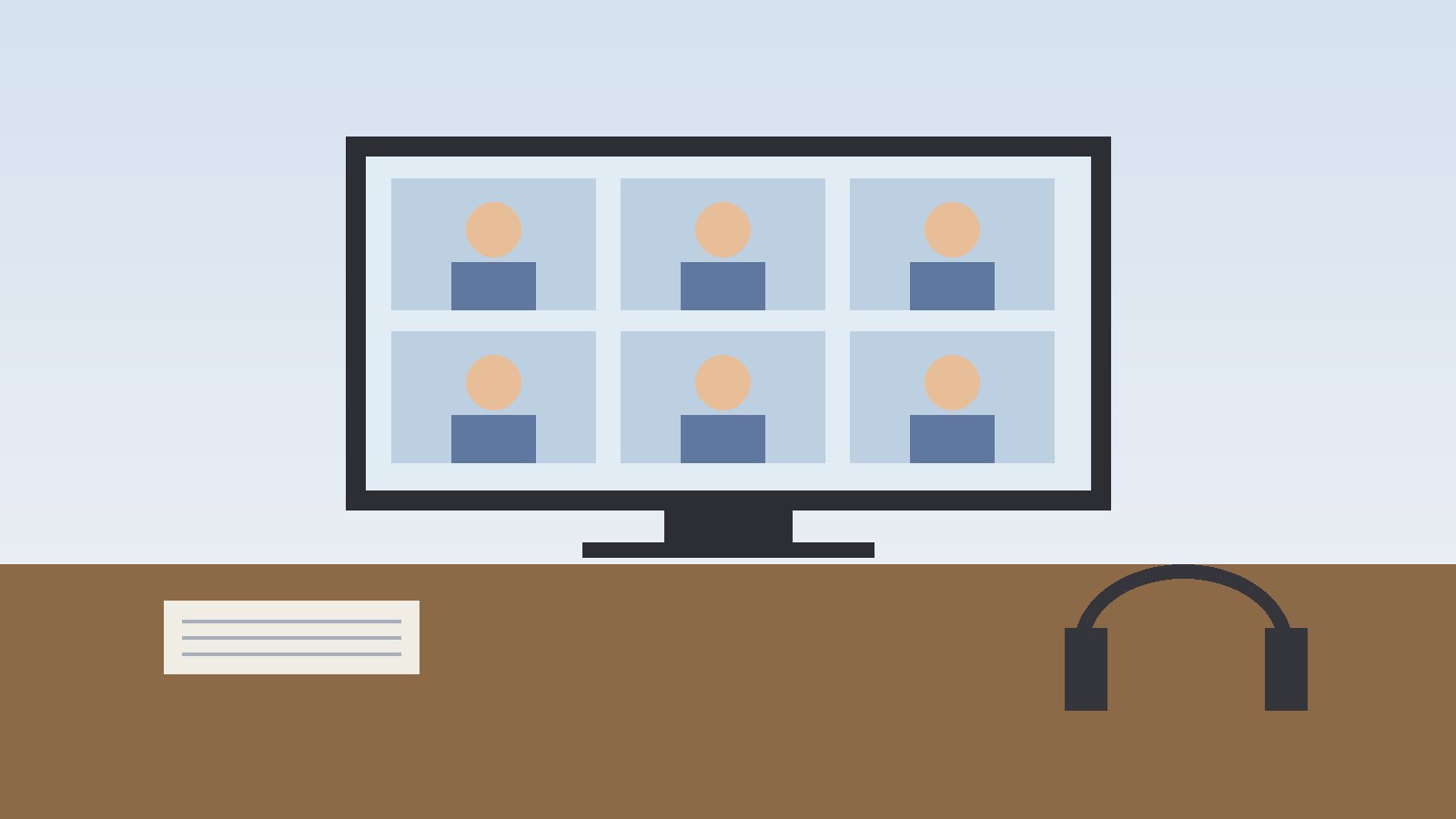
A synchronous class meets live at set times. Students join a video session, listen to the instructor, answer questions, work in small groups in breakout rooms, and take part in discussion in real time. A student who misses a session may need to watch a recording afterward, subject to the attendance policy. The advantage is structure and immediate interaction. The constraint is the fixed meeting time, which matters for students with work shifts, caregiving duties, or time zone differences.
An asynchronous class has no regular live meeting time. Materials are posted in advance, and students work through them when they can, within the week or unit schedule set by the instructor. Recorded lectures can be paused and replayed, and readings can be done in short blocks across several days. This is the format many people picture when they think of flexible online study, but flexibility here means flexibility about the hour of study, not about the deadline. In most asynchronous courses, work still has fixed due dates, and a discussion post submitted after its window closes may not count in the same way. Some programs are fully self-paced, with no weekly deadlines at all, but that model is different from a standard asynchronous course with weekly due dates, and the syllabus should make clear which model applies.
A hybrid, or blended, class mixes online work with in-person meetings. Part of the course happens on campus, and part happens online. For example, a class might meet in person once a week for discussion or lab work and complete readings, videos, and assignments online between meetings. Some schools also use the term web enhanced for an in-person class that adds online materials but still meets mainly face to face. The share of online and in-person work varies, so the course description and syllabus, not the label alone, are the reliable guide to what a particular hybrid class requires.
Inside the Learning Platform: Modules, Calendar, and Grades
The learning management system is the container for the whole course. Think of it as the classroom building, the notice board, the assignment box, and the grade book combined into one website. Instructors post materials there, students submit work there, and grades and feedback usually appear there too.
Most courses organize content into modules. A module is a folder for one week, one unit, or one topic. Opening a module shows everything connected to that topic: the readings, the lecture video or slides, the practice activity, the discussion prompt, and the assignment, in the order the instructor intends students to use them. Some modules must be completed in order, with later items unlocking only after earlier ones are finished. Others can be opened in any order.
The calendar is the second tool students use most. It gathers due dates from across courses into one view, so a student can see that a discussion reply, a quiz, and a written assignment all fall in the same week. The grades area shows scores, feedback, and the running total where the instructor has made it visible. Feedback may arrive as a written comment, a marked document, a rubric showing how points were awarded, or a short audio or video comment. Because online feedback is written rather than spoken after class, it pays to read it fully and to ask a follow-up question when a comment is unclear.
What Lessons Look Like
An online lesson rarely looks like a single long video. It is usually a small set of materials built around one topic or objective. A typical module might open with a short introduction from the instructor, followed by a reading, a recorded lecture, a set of slides, and a practice question or activity. The student works through these in sequence, then completes the assignment or discussion that shows understanding of the topic.
Recorded lectures are a core part of many courses. They may be a video of the instructor speaking over slides, a screen recording that walks through a worked example, or a short clip that demonstrates a process. The practical benefit is control over pace: a student can pause, replay a difficult section, slow down for notes, or watch in shorter sessions. The trade-off is that a recorded lecture does not answer a question in the moment, so students need a separate route, such as a discussion post, a message, or office hours, for questions that arise while watching.
Live lessons, where a course includes them, look closer to a classroom session. The instructor speaks, shares slides or a screen, asks questions, and may send students into small group rooms for a task before bringing the whole group back together. Chat messages, polls, and raised hands replace some signals of a physical room, such as eye contact and a raised hand. Sessions are often recorded, so a student who attends live can review the recording later, and a student who cannot attend may be able to watch it afterward, subject to the course attendance policy.
A Typical Week in an Online Class
A typical week follows a rhythm, even when the hours are flexible. It usually starts with the instructor opening a new module and posting an announcement that explains the week’s topic, materials, and deadlines. The student then works through the readings and lectures, takes part in a discussion, and submits one or more assignments before the week closes.
A concrete example makes the pattern clearer. In a standard asynchronous course, a week might run from Monday to Sunday. The discussion prompt opens on Monday, with an initial post due midweek and replies to classmates due by Sunday. A reading quiz might be due on Friday, and a short written assignment might be due on Sunday evening. The student chooses when to read, watch, and write, but the due dates anchor the week. In a live course, the same week might include a scheduled video session on a set evening, with readings done before the session and an assignment or discussion completed after it.
The number of study sessions matters more than the length of any single session. Many online guides advise logging in several times a week rather than once, because discussions require replies to classmates, announcements may change instructions, and a single long session leaves little room for questions to be answered before a deadline. Planning a week therefore starts with the calendar, not with the first reading. A workable approach is to list every due date for the week, work backward to set a start date for each item, and block study time for reading, watching, writing, and discussion separately.
Assignments: What Students Actually Submit
Online assignments look much like in-person assignments in content, and different mainly in how they are submitted. A written assignment is usually uploaded as a document through the assignment page, which records the submission time and confirms receipt.
Assignment types vary by subject. Common forms include short essays, research papers, problem sets, case analyses, reports, presentations recorded as video or slides, portfolios, and journals. Some assignments are completed entirely online, such as a quiz or a form. Others are completed offline and then submitted, such as a written paper, a photograph of a project, or a recorded presentation. Group assignments add a coordination step: students divide the work, share drafts, and submit a joint product, often with a note on each member’s contribution where the instructor asks for one.
Instructions for an assignment usually include the task, the expected length or format, the resources allowed, the due date and time, and the grading criteria. The grading criteria, often presented as a rubric, deserve attention before writing begins. A rubric shows how points are divided among content, analysis, organization, evidence, and presentation, and it is the clearest guide to what the instructor will reward. Where an instruction is unclear, asking early, before the due date, is better than guessing, because instructors may not be able to answer a last minute question before the deadline passes.
Discussions: The Online Version of Class Participation
Discussions are where much of the visible interaction in an online class happens. In a physical classroom, a student raises a hand and speaks. Online, the student writes a post, reads classmates’ posts, and replies. The format changes the skill involved: written discussion rewards clear, evidence-based posts and thoughtful replies more than quick speaking.
A typical discussion starts with a prompt from the instructor, linked to the week’s reading or lesson. The prompt may ask students to apply a concept to an example, compare two views, solve a short problem, or respond to a case. Students usually post an initial response by a midweek deadline, then reply to a set number of classmates by the end of the week. Replies that simply agree add little. Stronger replies add evidence, ask a focused question, offer a counterexample, or connect a classmate’s point to the reading.
Discussion rules vary, and the syllabus or discussion instructions usually state them: the minimum length, the number of replies required, whether sources must be cited, and how posts are graded. Some discussions are graded on participation and quality of argument. Others are ungraded spaces for questions and peer help. In both cases, tone matters. Because written words carry no tone of voice, a post that is direct and respectful reads better than one that is blunt or dismissive, and disagreement works best when it addresses the idea rather than the person. Some courses also use small group discussions, where the same group works together across several weeks, or question and answer forums, where students post course questions and instructors or classmates answer them for the benefit of the whole class.
Assessments: Quizzes, Exams, and Projects
Assessment in an online class takes several forms, and the form usually matches the skill being tested. Short quizzes check recall and understanding of a week’s material. Longer exams test synthesis across several weeks. Projects and papers test analysis, research, and communication. Participation in discussions may itself be part of the grade.
Quizzes are often taken inside the platform. They may be timed, with a clock shown during the attempt, or untimed. They may allow one attempt or several, and they may show correct answers immediately or only after the quiz window closes. Questions can include multiple choice, true or false, short answer, matching, and numerical problems. A student should check the quiz instructions before starting, especially the time limit, the number of attempts, and whether the browser must stay on the quiz page, because starting a timed quiz without that information can waste the attempt.
Exams vary more. Some are open book exams completed online within a set window. Some are proctored, meaning a student’s identity and exam session are monitored, either by software, by a live proctor through video, or at an approved testing center. Proctoring rules, where they apply, are stated in the course materials and should be checked early, because they may require a webcam, a microphone, a photo identification document, a quiet room, or a specific browser setup. Other courses replace a final exam with a final project, paper, or portfolio, which is submitted like a regular assignment. Academic integrity rules apply online exactly as they apply in person. Work should be the student’s own, sources should be cited where required, and collaboration is allowed only where the assignment says so. Some submissions pass through originality checking software, so understanding the rule before submitting matters more than learning it from a grade penalty afterward.
Talking to Instructors and Classmates
Interaction in an online class is less spontaneous than in a physical classroom, but it is not absent. It is organized through different channels, and knowing which channel fits which question saves time.
For course questions, the main channels are messages inside the platform, email, and virtual office hours. Virtual office hours are scheduled times when the instructor is available live by video or chat for one to one questions, much like office hours on campus. Some instructors also run a general question forum, where an answer benefits the whole class. Response times vary: many instructors state an expected response window, such as one working day, in the syllabus. A student with a time sensitive question, especially near a deadline, should ask early and state the deadline in the message.
Time Commitment: How Many Hours a Week?
Time commitment is one of the most common questions about online classes, and it has no single answer. It depends on the level of the course, the subject, the number of credits, the student’s background, and the week’s assignments. A reading heavy week takes longer than a review week, and a research paper week takes longer than a quiz week. The syllabus and course description usually give the credit value, and many schools publish a general guide to expected study time per credit, but the week’s actual load is best judged from its module: the number of readings, videos, discussions, and assignments it contains.
What is consistent is that online study still takes regular weekly time. Flexibility changes when the hours happen, not whether they happen. A student who treats an asynchronous course as work that can be left to the last day of the week will often find that discussions, which need replies after classmates post, and assignments, which need drafting and revision, do not fit into a single evening. Spreading the work across several days, with a first pass at readings early in the week and writing later in the week, fits the structure of most courses better. A practical way to estimate a new course’s load is to work through the first module slowly and note how long each part takes. That first week sample, adjusted for heavier assessment weeks later in the term, gives a personal baseline that is more useful than a general figure.
Technical Setup: What You Need to Get Started
The technical setup for an online class is usually modest, but it should be checked before the first deadline, not during it. The core requirements are a reliable internet connection, a device that can run the learning platform and open documents and videos, and a browser that the platform supports. Many schools state their supported browsers and minimum requirements in a technical help page, and checking that page in the first week avoids a common first week problem: discovering during a timed quiz that a browser or plug-in is not supported. Many platforms also offer captions on videos and adjustable text size.
A laptop or desktop computer is the safest main device for most courses. Phones and tablets can handle reading, watching videos, and discussion posts, and many platforms offer a mobile app for checking announcements and grades, but writing a long paper, building a presentation, or taking a proctored exam is usually easier on a full computer with a keyboard. Some courses require specific software, such as a document editor, a spreadsheet tool, a media player, or a subject specific program, and the syllabus or first module usually lists it. Practical setup steps include testing login credentials before the first class, confirming that videos play with sound, opening a sample document, testing file upload with a practice submission where one is offered, and knowing where technical help is reached.
How Online Classes Differ from In-Person Classes
In an in-person class, the meeting time and place are fixed, the instructor speaks and students listen and respond in the room, and questions are often answered on the spot. In an online class, the meeting time may be fixed for live sessions or flexible for asynchronous work, the instructor’s explanations arrive as recorded lectures, written pages, or live video, and questions are usually asked by message or in a discussion and answered within a stated window rather than instantly.
Attendance looks different too. In person, attendance is physical presence in a room. Online, attendance may mean joining a live session, logging in regularly, posting in discussions, or submitting work by deadlines, depending on the course policy. A student who logs in but never posts or submits may count as absent in an online course, even though the student visited the platform.
Social life differs in form. In-person classes offer hallway conversations, group work at a table, and a shared sense of a cohort in a room. Online classes offer discussion threads, group messages, and live sessions, which can build connection, but they require more deliberate effort: a student must write the post, join the study group, or attend the live session for the connection to happen. Assessment differs mainly in delivery. In-person exams happen in a room with paper or a supervised computer. Online exams happen in the platform, sometimes with proctoring, and papers and projects are uploaded rather than handed in. The standards for original work, citation, and grading are the same in principle; only the submission route changes.
Frequently Asked Questions
Do online classes have live meetings?
Some do and some do not. A synchronous class meets live at scheduled times by video. An asynchronous class has no regular live meeting, and students work through posted materials on their own schedule within weekly deadlines. A hybrid class mixes live or in-person meetings with online work. The course description and syllabus state which format a particular class uses, so check those before enrolling rather than assuming all online classes work the same way.
What does a typical day in an online class look like?
There is usually no single class day. A typical study day might include checking announcements and the calendar, reading or watching the week’s lesson materials, posting in a discussion or replying to classmates, and working on an assignment due later in the week. Live classes add a scheduled video session on set days. The day is shaped by the student’s own study blocks and the week’s deadlines, rather than by a fixed timetable of classroom periods.
Are online classes easier than in-person classes?
Online classes are not automatically easier. The content, readings, and assessments are often comparable, and the deadlines are usually just as firm. Online study can feel easier in scheduling, because students choose when to study, and harder in self-management, because students must plan their own week without the prompt of a physical classroom. Whether a particular student finds a format easier depends on the student’s schedule, study habits, and the specific course, not on the format alone.
How do students interact with instructors online?
Students usually interact through messages inside the learning platform, email, discussion forums, and virtual office hours. Instructors post announcements, give feedback on assignments, and answer questions through those channels. Response times vary by instructor and are often stated in the syllabus. For urgent questions near a deadline, asking early and stating the deadline in the message gives the instructor the best chance to reply in time.
How are online exams taken?
Online exams are usually taken inside the learning platform. Some are timed quizzes or open book exams completed within a set window. Some are proctored, with identity checks or session monitoring, or held at an approved testing center. Other courses use a final project, paper, or portfolio instead of an exam. The course materials state which method applies, what equipment is needed, and what rules govern the attempt, and those instructions should be read before the exam window opens.
Do I need strong computer skills to take an online class?
Most online classes assume basic computer skills rather than advanced technical knowledge: using a web browser, sending email, creating and uploading a document, and following written instructions on screen. Schools usually provide orientation materials and technical help for the learning platform. Subject specific software, where a course requires it, is normally introduced in the course materials. A student who is unsure about a requirement can check the school’s technical help page or ask the instructor before the term begins.
What happens if I miss a deadline in an online class?
It depends on the course’s late work policy, which is stated in the syllabus. Some instructors accept late work with a penalty, some accept it only in defined circumstances, and some do not accept it after the window closes, especially for discussions that depend on classmates replying in the same week. If a deadline will be missed, contacting the instructor before the deadline, explaining the situation briefly, and asking what options exist is more useful than waiting until after the deadline has passed.
Keep reading: How to Lower Ping in Games
Sources & references
- Pasadena City College, What Do Classes Look Like? Distance Education at PCC. Opened and read 29 October 2026.
- Dallas College, How Is Online Study Different? Opened and read 29 October 2026.
- University of North Carolina at Charlotte, Center for Teaching and Learning, How Online Courses Work. Opened and read 29 October 2026.
- University of Phoenix, What to Expect in Online Classes. Opened and read 29 October 2026.


