Short-answer box
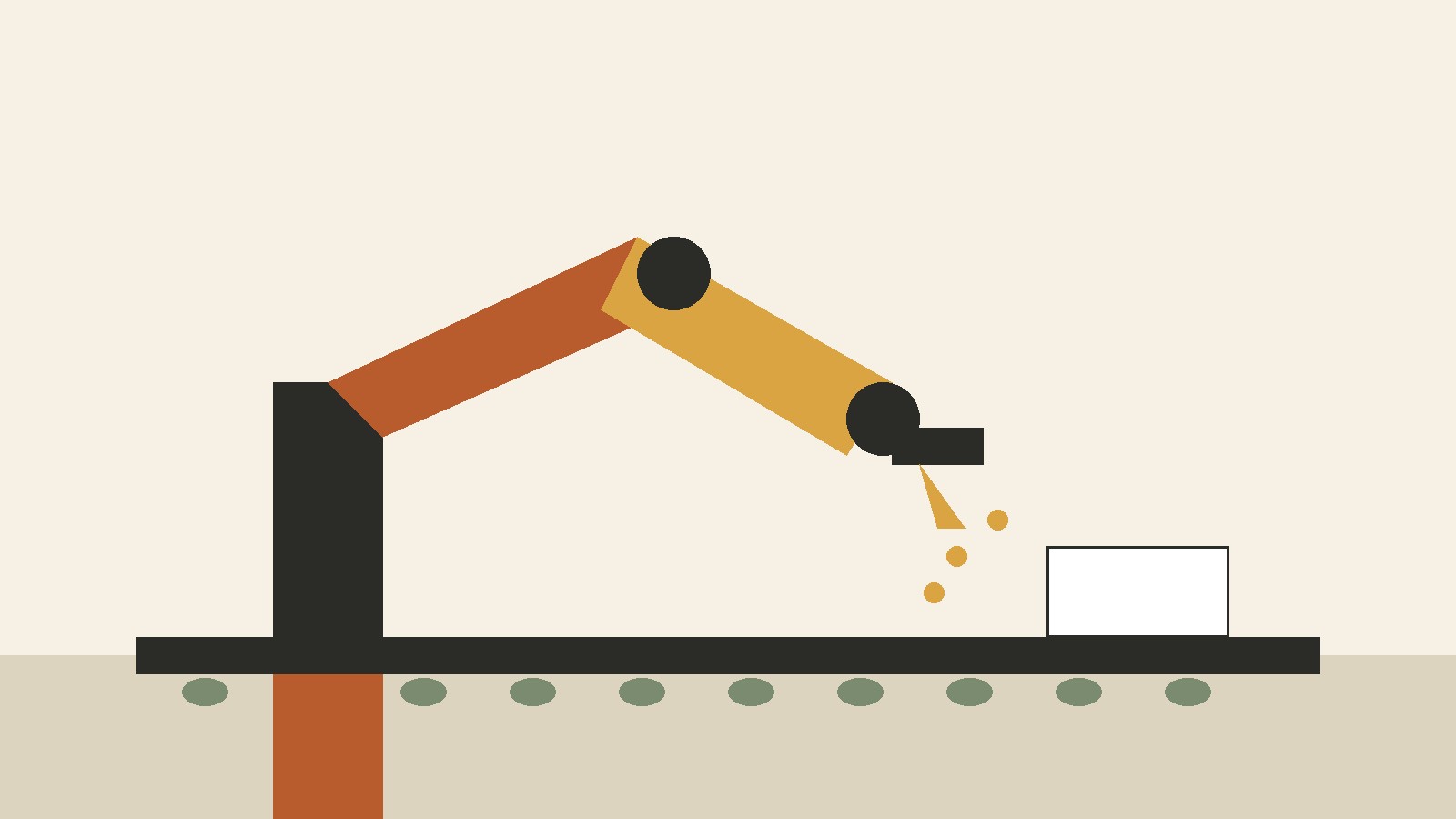
An industrial robot in a factory works by repeating a programmed job under the control of a computer. Sensors tell the controller where the robot is, what it is holding, and what is happening around it. The controller compares that information with the program and sends commands to motors, which move the arm, wrist, and tool to the next position. The tool then does the work, whether that means welding a joint, picking up a part, spraying paint, or placing a finished item in a box. When the job is done, the robot checks its position again and starts the next cycle.
In short, a factory robot is not thinking up its own plan. It is sensing, deciding within narrow limits set by its program, moving, acting, and checking, over and over. That loop is what makes it useful on a production line: the same task, done the same way, for a full shift.
The basic idea, in one picture
Picture a car body moving slowly along a line. A large arm beside the line waits at a fixed starting point. As the body arrives, a sensor confirms it is in position. The controller runs the welding program for that model, and the arm moves its torch along a set path, stopping at each weld point. When the program ends, the arm returns to its starting point and waits for the next body.
Nothing in that picture requires the robot to look human. The Computer History Museum makes the same point in its factory robotics exhibit: in factories, robots do not have to look human, they just need to do the work. The jobs it lists are welding, painting, assembling parts, packaging finished goods, and testing whether a product works correctly.
What counts as an industrial robot
The International Federation of Robotics (IFR) bases its use of the term on the definition in ISO 8373:2021, the international vocabulary standard for robotics. Under that definition, an industrial robot is an automatically controlled, reprogrammable, multipurpose manipulator, programmable in three or more axes, that can be fixed in place or fixed to a mobile platform, for use in automation applications in an industrial environment.
Each word in that definition does real work. Automatically controlled means the robot runs its program without a person moving it by hand during normal work. Reprogrammable means its programmed motions can be changed without physically altering the mechanical system, so the same arm can be taught a new job. Multipurpose means it can be adapted to a different application, such as by fitting a different tool. Manipulator means a mechanism of segments jointed or sliding relative to one another. Three or more axes means the robot can move in at least three directions or rotations, so it can reach a point in space and orient a tool.
If a machine cannot be reprogrammed, or it only ever does one fixed motion built into its hardware, it is automation, but it does not fit this definition. If it is a general purpose machine that happens to sit in a factory, such as a standalone drill press, it is not a robot either.
The parts of a factory robot
Most industrial robots, whatever their shape, are built from the same set of parts. Understanding each part makes the whole system easier to follow.
The manipulator: the arm itself
The manipulator is the moving structure: the base, the links (the arm segments), and the joints between them. Joints rotate or slide, and each joint adds one axis of motion. The Association for Advancing Automation (A3) describes robots as classified by axis count, commonly with two, three, four, or six axes. In its description, one axis is the base, which lets the robot swivel. The second axis acts like a waist and lets the lower arm extend backward and forward. Later axes extend vertical reach, help with positioning, and provide up and down tilt. The sixth axis functions like a wrist and allows twisting motions. That is why a typical factory arm looks like a shoulder, an elbow, and a wrist.
The controller: the command center
A3 calls the computer the robot’s command center. Advanced software systems are programmed to tell the robot how to carry out industry specific tasks, and the commands can be generated from applications running on a desktop computer. In practice, the controller is a rugged industrial computer, often housed in a cabinet beside the robot, that stores programs, reads sensor signals, calculates positions, and sends motion commands repeatedly during the movement. The program says, in effect, move to this point, at this speed, along this path, then close the gripper, then wait for a signal. The controller breaks that instruction into joint movements, checks feedback as the movement happens, and corrects small errors before they grow. If a sensor reports a problem, the controller can pause, slow down, or stop the robot.
Actuators: the muscles
Actuators convert the controller’s commands into physical movement. Many modern factory robots use electric motors, often servo motors, at each joint. A servo motor can be commanded to a specific position and can report its position back, which lets the controller close the loop between command and result. Older or heavier designs also used hydraulic actuators, which use pressurized fluid, and pneumatic actuators, which use compressed air. Gears, belts, or ball screws sit between the motor and the joint, trading speed for force. The right drive type depends on the specific machine and task, and manufacturers publish specifications for their own models.
The end effector: the tool at the end
The end effector is whatever is fitted to the end of the arm to do the job: a two-finger gripper, a vacuum cup, a welding torch, a spray gun, a screwdriver, a cutting tool, or a camera for inspection. Changing the end effector is one of the main ways a multipurpose robot changes jobs. The same arm that picks up metal blanks in the morning can, with a different tool and program, load a machine tool in the afternoon, provided the cell was designed for that change. End effectors often have their own sensors: a gripper may sense whether it is holding a part, and an inspection camera captures images for the vision system to analyze.
Sensors: how the robot knows what is happening
A robot without sensors is working blind. It can repeat motions, but it cannot tell whether a part is present, misaligned, or missing. Factory robots use several kinds of sensors, each answering a different question. Joint sensors, usually encoders on the motors, report each joint’s position and speed: the robot’s sense of where its own body is. Presence and proximity sensors report whether a part, pallet, or conveyor is in a known position. Vision systems use cameras to find parts, read codes, check alignment, or inspect a finished surface. A3 gives a packaging example: vision systems guide robots to pick the right pieces of food moving on a conveyor, with cameras capturing an image and sending that data to a robot further down the line. Force and torque sensors measure how hard the robot is pushing or gripping, which matters in assembly and in collaborative work, where contact with a person must stay within limits. Safety sensors, such as light curtains, area scanners, and pressure mats, watch the space around the robot and report when a person or object enters a guarded zone.
A single cycle, step by step
However complex a cell looks, a robot’s work breaks down into a repeating cycle:
- Wait and confirm. The robot sits at a home position and waits for a start signal, often from a conveyor sensor, a machine tool, or a programmable logic controller (PLC) that coordinates the line. A presence sensor confirms a part is in place.
- Sense and locate. Vision or proximity sensors confirm the part’s position and orientation. If the part is slightly off, the controller adjusts the planned path rather than moving blind to a fixed point.
- Plan the path. The controller calculates the joint movements needed to reach the target, at the programmed speed, avoiding known obstacles in the cell.
- Move. Motors drive each joint through the planned motion, while encoders report progress and the controller corrects small deviations.
- Act. The end effector does its job: it grips, welds, sprays, screws, cuts, or inspects.
- Check. The robot or the cell checks the result where a check is built in: a sensor confirms the part is held, a camera inspects a feature, or a scale confirms a filled box.
- Place and return. The robot moves the finished part to its next position, releases it, and returns to home. The line controller is told the cell is free, and the next cycle begins.
When something goes wrong, the cycle breaks at the check step. A missing part, a failed grip, or a safety sensor trip stops the robot or sends it to a safe position, and an operator is alerted through the HMI. That stop and alert behavior is part of how the robot works: a machine that cannot stop safely cannot be used beside people or expensive equipment.
The main types of industrial robots
The IFR classifies industrial robots by mechanical structure:
The application examples in the bullets below are general descriptions, not part of the IFR classification.
- Articulated robots have three or more rotary joints. These are the familiar multi-joint arms seen welding car bodies and assembling products, offering a large working range and flexible orientation.
- SCARA robots have two parallel rotary joints to provide compliance in a selected plane. These robots are common in fast, precise, mostly horizontal tasks such as small parts assembly and pick and place work in electronics.
- Cartesian robots, also called rectangular or gantry robots, have three prismatic joints whose axes form a Cartesian coordinate system. They move in straight lines along X, Y, and Z directions, like a bridge crane over a work area, and suit machine loading, dispensing, and other jobs where straight line motion and a large rectangular work area matter.
- Parallel or Delta robots have arms whose links form a closed loop structure. Lightweight Delta robots move very quickly over a small area, which suits high speed picking and packing, including food handling.
- Cylindrical robots have at least one rotary joint and at least one prismatic joint, whose axes form a cylindrical coordinate system, combining rotation around a base with vertical and radial movement.
- Polar robots, also called spherical robots, have two rotary joints and one prismatic joint, whose axes form a polar coordinate system.
Two further categories cut across that structural list. Collaborative robots, often called cobots, are designed for collaborative use with workers (see the safety section below). Mobile robots move around a factory carrying parts between cells, and may carry a manipulator arm; a mobile platform fitted with an arm can fit the IFR definition, which is why the definition includes mobile platforms. No type is best in general: the choice depends on work area shape, speed and precision needed, part weight, and floor space, and manufacturers publish specifications for their own models.
How robots sense, decide, and adjust
Early factory robots mostly repeated fixed motions. If a part was a few millimeters out of place, the robot still moved to the programmed point, and the result was a missed weld or a dropped part. Modern cells add sensing so the robot can adjust, within limits.
The adjustment works in layers. At the lowest layer, the servo loop keeps each joint on its commanded path, correcting for friction and load repeatedly during the movement. At the next layer, external sensors adjust the path: a camera finds a part’s actual position, and the controller shifts the motion to match. At the highest layer, the line controller decides which recipe to run, based on signals from upstream machines or an operator’s HMI selection.
Artificial intelligence enters at this higher layer in some installations. The IFR notes that commercially available AI applications in robotics include enabling robots to sense and respond to their environment, which vastly increases the range of functions robots can perform, and optimizing robot and process performance. That is a narrower claim than it may sound. The robot is not deciding what product to make or redesigning the factory. It is using sensor data, within a program written and tested by people, to handle variation that a fixed program could not handle, such as unsorted parts in a bin or parts arriving in different orientations.
How robots are programmed
There are several ways to teach a factory robot its job, and most cells use more than one:
- Teach by guiding. An operator moves the robot slowly through the job, either with the teach pendant or, on some collaborative models, by guiding the arm by hand, and the controller records the key positions. The programmer then adds speeds, waits, tool commands, and logic between those positions.
- Program offline. Engineers build a virtual model of the cell on a computer, program the robot in that simulation, and test for collisions and reach problems before the program reaches the real machine. A3 gives an example: manufacturer ABB uses a virtual robot programming environment that takes place on a personal computer, and the design eliminates the requirement of writing software for robotic material handling applications, because the program runs the same software on the PC as on the robot. Offline programming matters because it lets a line keep running while the next job is prepared.
- Program with code or application tools. Some tasks are programmed in a robot language or through application software on a desktop computer, as A3 describes, with the commands generated from applications rather than typed joint by joint. This suits jobs with many variants, where positions can be calculated from product data instead of taught one by one.
- Learn from production data. In connected cells, engineers review logs of cycle times, faults, and sensor readings, then adjust speeds, paths, or sensor thresholds. This is tuning, not the robot teaching itself a new trade. The program still changes only when a person or an approved software update changes it.
A program is therefore not a single set of coordinates. It includes motion, tool commands, sensor checks, safety behavior, error handling, and communication with the rest of the line. Testing means running it slowly, checking each step, and only then raising speed to production levels.
What factory robots actually do all day
The US Occupational Safety and Health Administration (OSHA) lists the common functions of industrial robots in its robotics overview: material handling, assembly, welding, machine tool load and unload functions, painting, and spraying. The IFR adds parts welding and cutting, flexible assembly, packaging, and palletizing as areas where standard work cells are now used, including in small volume production. A3’s examples show the same range in concrete form: a robot picks up a partially completed bus frame and moves it to another conveyor, a smaller robot sorts chocolates and arranges them in a box, another sorts parts from a bin for packaging, and robots in the computer industry solder tiny wires to semiconductor chips.
In practice, the main factory roles are material handling and machine tending, welding, assembly, painting and spraying, packaging and palletizing, and inspection and testing. A single robot may do several of these jobs over its life, and a single line may use several robots, each doing one step, coordinated by the line controller.
Safety: how people and robots share a factory
Safety is part of how industrial robots work, not a separate topic bolted on afterward. A robot arm is strong, fast, and unaware of pain, so factories design the cell around the robot, not just the robot itself.
The traditional approach is separation. The robot works inside a guarded cell, with fencing, interlocked gates, and light curtains. If a gate opens or a light curtain is broken, the robot stops or slows to a safe state.
The collaborative approach is different. Collaborative industrial robots are designed to perform tasks in collaboration with workers in industrial sectors, in the IFR’s wording. The IFR defines two groups: robots designed for collaborative use that comply with ISO 10218-1, which specifies requirements and guidelines for the inherent safe design, protective measures, and information for use of industrial robots, and robots designed for collaborative use that do not satisfy ISO 10218-1 but may follow different safety standards, such as national or in-house standards. That distinction matters: a robot being called collaborative does not by itself prove it meets a particular standard. The standard it was designed to, and the risk assessment for the specific application, are what matter.
Within collaborative work, the IFR describes a spectrum: at one end, a traditional robot works in a separate workspace that workers can enter periodically, with sensors that slow or stop it when a worker is nearby; at the other end, robots built to work alongside humans use lightweight materials, rounded contours, padding, sensor skins, and base or joint sensors that keep force and speed within defined thresholds if contact occurs.
OSHA’s position adds an important caution. Its robotics overview states that there are currently no specific OSHA standards for the robotics industry. That does not mean factories are unregulated: safety in the United States rests on general machine and workplace duties, consensus standards such as ISO 10218 and ANSI/RIA R15.06, and the employer’s general duty to provide a workplace free from recognized hazards. No single standard number is a complete safety approval for a cell; safety depends on the risk assessment for that exact task, tool, speed, and layout.
OSHA also notes where accidents are most likely. Studies it cites indicate that many robot accidents occur during non-routine operating conditions, such as programming, maintenance, testing, setup, or adjustment, when a worker may temporarily be within the robot’s working envelope. That is why setup work uses reduced speeds and procedures that keep a person out of the robot’s path where possible. For anyone working near a robot, the practical rules are simple: never enter a guarded cell while the robot is in automatic mode, never assume a stopped robot will stay stopped, and never bypass a guard or interlock. Those rules belong to the site’s own procedures and training, which this article does not replace.
Robots in the connected factory
The IFR describes five common scenarios for connected robots: automated production (order entry and design linked to parts ordering and scheduling); optimizing performance (robots and machines connected to a central server so data can optimize performance); digital twins (virtual copies of robots and machines for simulating changes before implementation); robots as a service (pay per use adoption, which the IFR notes can particularly benefit small to medium sized manufacturers); and sense and respond (sensors and vision letting robots respond in real time, such as picking unsorted parts). The connected factory does not change the basic loop of sense, decide, move, act, and check. It adds data around that loop.
Frequently asked questions
How do industrial robots work, in simple terms?
They follow a program stored in a controller. Sensors report position and surroundings, the controller calculates the next move, motors drive the arm and tool, and the cycle repeats. The robot senses, moves, acts, and checks, over and over, until the program ends or a sensor reports a problem.
What is the difference between a robot and a regular machine?
A regular machine usually does one fixed job built into its hardware. An industrial robot, under the ISO definition used by the IFR, is automatically controlled, reprogrammable, and multipurpose, programmable in three or more axes, for industrial automation. It can be taught a new job and fitted with a different tool, while a fixed machine generally cannot.
Do industrial robots think for themselves?
No, not in the way people think. They execute programs written and tested by people, and they adjust within limits set by those programs when sensors report variation. AI tools in some cells help robots sense and respond to their environment and optimize performance, as the IFR describes, but the robot does not set its own goals or redesign its job.
What are the main types of industrial robots?
By mechanical structure, the IFR lists articulated, SCARA, Cartesian (gantry), parallel or Delta, cylindrical, and polar robots. Collaborative robots are a separate category based on how they are designed to work with people, and mobile robots are platforms that move around a factory, sometimes carrying an arm.
How are industrial robots programmed?
Common methods include teaching positions with a pendant or by guiding the arm, programming offline in a simulation on a computer, and generating commands from application software. Most cells combine methods: a job may be built offline, tested slowly on the real robot, and then tuned during early production.
What jobs do industrial robots do in factories?
OSHA lists material handling, assembly, welding, machine tool load and unload, painting, and spraying. The IFR adds cutting, flexible assembly, packaging, and palletizing. Examples include loading a machine tool, welding a car body, packing cartons, and inspecting a finished part.
Are industrial robots safe to work beside?
They can be, but only in a cell designed and assessed for that work. Traditional cells separate people from the robot with guards and sensors. Collaborative cells allow shared work under force and speed limits and other measures set for that application. OSHA notes there is currently no specific OSHA standard for the robotics industry, so safety rests on general duties, consensus standards, and a risk assessment for the specific cell. Never enter a guarded cell in automatic mode or bypass a guard.
Why do factories use robots instead of people for some jobs?
The IFR lists parts quality, productivity through faster cycle time and yield, improved worker safety, greater flexibility, and cost reduction. OSHA notes robots are generally used for unsafe, hazardous, highly repetitive, and unpleasant tasks. The balance differs by factory and job.
Can one robot do many different jobs?
Yes, within limits. A multipurpose robot can be reprogrammed and fitted with a different end effector, which is part of its definition. In practice, changing jobs may also need a new fixture, a new sensor setup, and testing time, so flexibility is real but not instant or free.
What happens when a robot makes a mistake?
A well designed cell detects the fault at a check step, such as a missing part or a failed grip, and stops, moves to a safe position, or alerts an operator through the HMI. Faults during programming, maintenance, testing, setup, or adjustment deserve special care, because OSHA notes many robot accidents occur during those non-routine conditions, when a worker may be within the robot’s working envelope.
Sources & references
- International Federation of Robotics, "Industrial Robots": definition based on ISO 8373:2021, classification by mechanical structure, collaborative robot discussion, AI in robotics, connected robot scenarios, and investment reasons. https://ifr.org/industrial-robots/
- Association for Advancing Automation (A3), "How Do They Do That?": controller as command center, desktop generated commands, ABB virtual programming environment, vision guidance examples, and axis classification. https://www.automate.org/blogs/how-do-they-do-that
- US Occupational Safety and Health Administration, "Robotics: Overview": industrial robot functions, non-routine accident pattern, and statement that there are currently no specific OSHA standards for the robotics industry. https://www.osha.gov/robotics
- Computer History Museum, "Putting Robots to Work": factory robots need not look human, and listed factory tasks (welding, painting, assembling parts, packaging finished goods, testing for correct operation). https://www.computerhistory.org/revolution/story/292
- ISO standards as cited by the IFR on the page above: ISO 8373:2021 (vocabulary and definition), ISO 10218-1 and ISO 10218-2 (industrial robot safety), and ISO/TS 15066 (collaborative operation). These standards are referenced through the IFR page, not quoted from the standards texts themselves.


